You scan a QR code for parking or a menu and see an unfamiliar website offering login or payment. Pause before opening it: the code may conceal a spoofed address. Phishing steals submitted information, while harmful links can also lead to malicious downloads. Scanning alone does not mean your phone has been compromised.
Let’s break down how a phishing QR code works, how to check the destination address before clicking “Pay” or entering a password, and what to do if you have already left your data on a suspicious page.
- How a QR code hides the destination address
- What to look at before opening the website
- How to verify the payment recipient
- Everyday scenarios of code replacement
- Parking and transport
- Bill in a cafe or restaurant
- Sale listings
- Event tickets
- What to do if you have already entered data
- How to reduce risk when scanning QR codes
- Frequently asked questions
- Can a QR code automatically install a virus?
- Is it safe to pay via QR code in a banking app?
- What to do if a QR code leads to a website that looks real but the address is different?
- Can QR codes in public places be trusted?
- A short checklist for QR payments
How a QR code hides the destination address
A QR code is a two-dimensional barcode encoding text, often a web address. Encoding is not encryption. A camera or scanner reads the contents and may offer to open the link; behaviour varies by app. Scammers rely on people recognizing a site’s appearance without checking the actual domain.
Consider illustrative addresses using domains reserved for examples. In https://bank.example.com.login.example/, the actual host ends in login.example, not example.com. In https://bank.example.com@other.example/, the part before @ is user information; the host is other.example. A familiar word at the start does not establish the organization’s address.
A shortened or dynamic link can conceal its final destination and redirect elsewhere. This is not necessarily fraud, but checking only the first address is insufficient. Replacement can also be physical: the FTC describes scammers covering parking-meter codes. If uncertain, open the known official service independently.
Do not assume every visit is safe just because you have not entered data. A QR code can open a website, an app or another action; a malicious page may request downloads or permissions. Review the scanner’s proposed action before confirming, avoid unknown software and keep the system updated.
What to look at before opening the website
The first thing to do after scanning is to look at the address the phone offers to open. In most modern cameras and scanners, it appears at the bottom of the screen or in a pop-up window. Don’t rush to tap “Go.” Read the line completely, from left to right, to the very end.
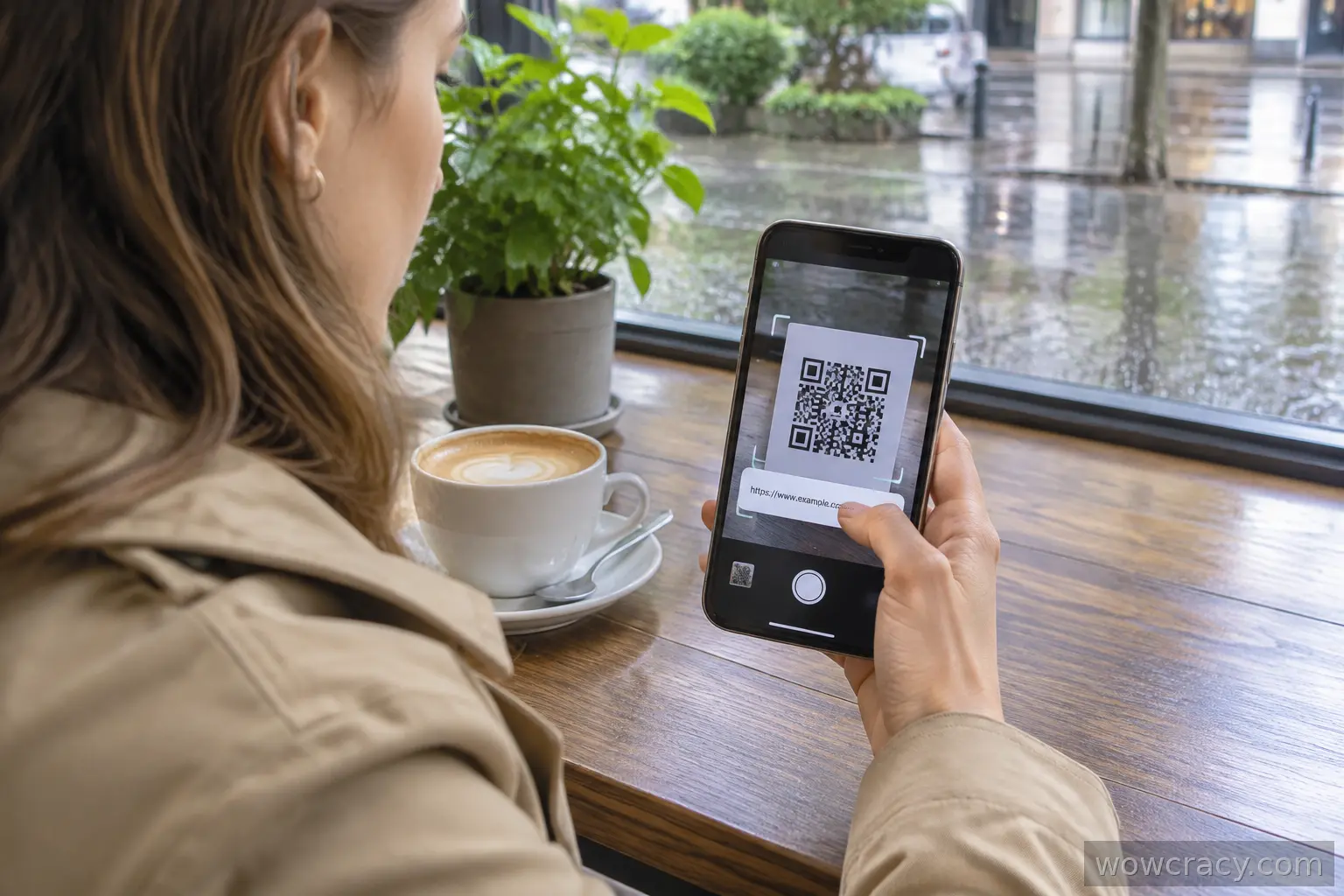
Here are a few signs that should raise suspicion:
- The domain differs from the independently verified service address, even if a familiar name appears elsewhere in the URL.
- Letters are substituted or there is unexpected user information before @. Hyphens or digits alone do not prove fraud.
- A login or payment page lacks HTTPS; however, HTTPS protects the connection rather than proving the owner honest.
- A short link or redirect hides a destination you cannot verify.
- The page unexpectedly requests secrets, downloads or immediate approval.
Verify the official address through an already installed app, a previously verified bookmark or known contact details. A payment provider’s name can differ from the merchant’s; confirm it independently. A hyphen, different suffix or unfamiliar name alone does not prove a domain fraudulent.
If only part of the address is visible, do not guess the rest. If copying is available, inspect it as plain text without opening it; avoid a field that navigates automatically. A long URL can still be hard to assess, so use another route to the official service if needed.
How to verify the payment recipient
When a QR code is used for payment, checking only the website address is not enough. It’s important to make sure who exactly you are transferring money to. In many banking apps, after scanning a code, a confirmation screen appears with the recipient’s name, amount, and payment purpose. Read this data before tapping “Confirm.”
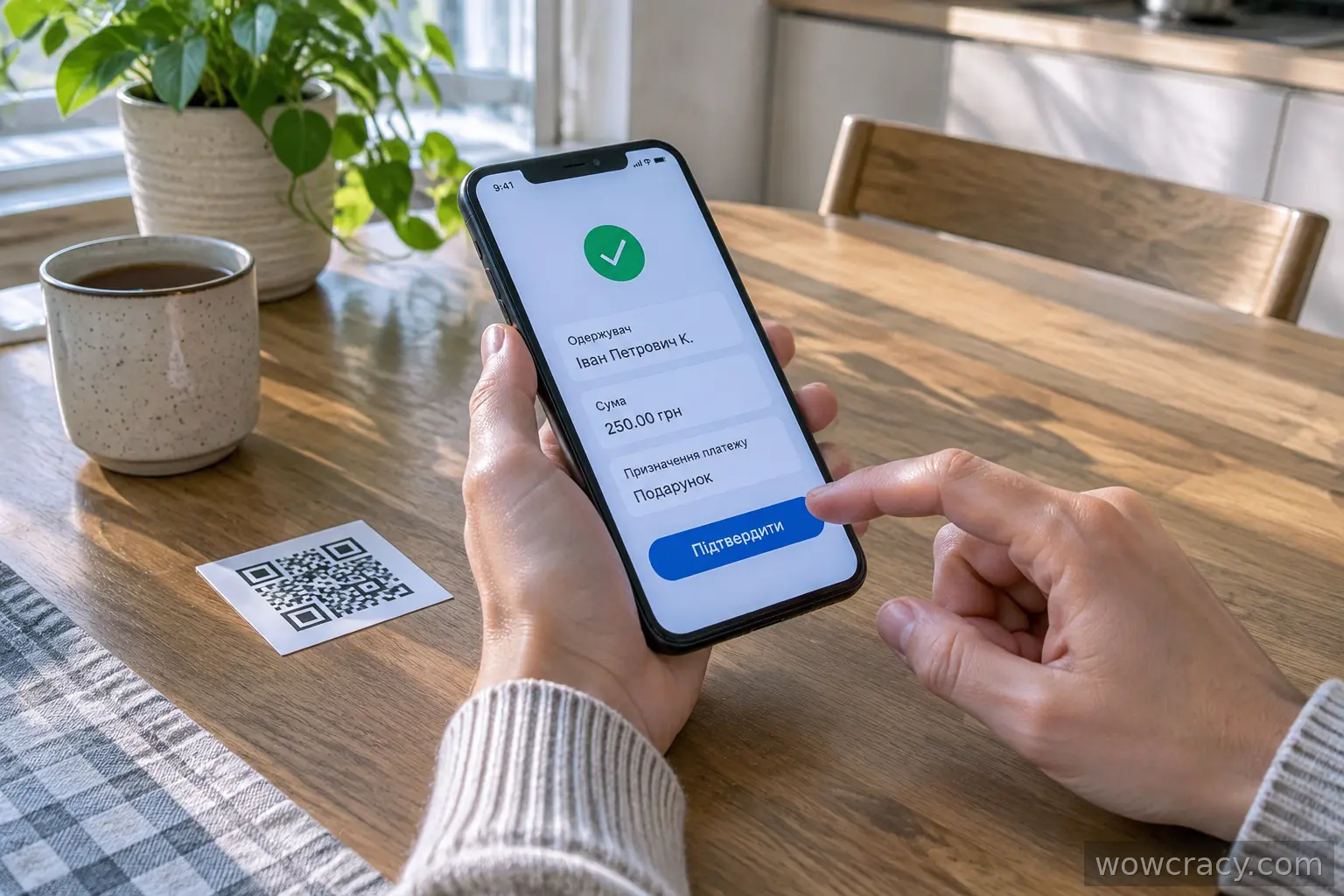
Signs of a suspicious payment:
- The recipient differs from the expected payee and you cannot independently explain why.
- The amount differs from what was agreed.
- The payment purpose does not match the purchase.
- An unverified page requests card details, a password or approval codes.
Legitimate payment can happen in an app or on a payment provider’s website, including a request for CVV. That alone does not prove phishing. Equally, a logo, HTTPS and familiar design do not prove authenticity. Independently verify the service, recipient and amount before entering data; ask for another payment method if uncertain.
Do not enter a banking password merely because a QR destination displays the bank’s logo. Close a suspicious destination and open the bank independently. Do not give others your PIN, one-time codes or transaction approvals; read exactly what action you are authorizing.
Everyday scenarios of code replacement
Phishing QR codes occur not only on the internet. Here are a few real-life situations where you should be careful.
Parking and transport
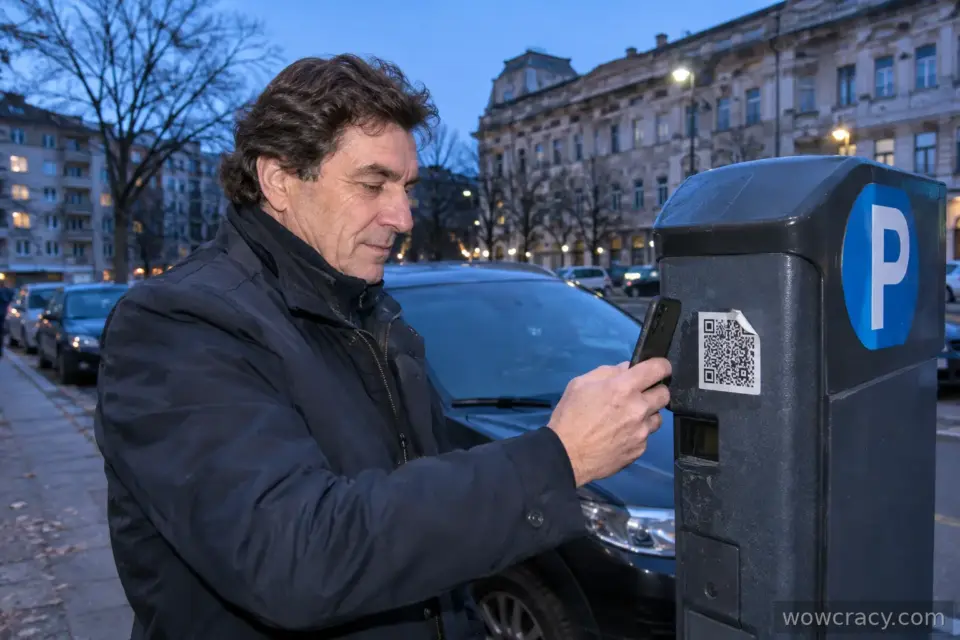
On parking meters or public transport stops, scammers may cover the real code with their sticker. You scan, go to a website that looks like a municipal one, and pay for parking, but the money goes to the scammer’s account. Check whether the sticker shows signs of peeling or looks newer than the device itself. If in doubt, use the official parking app or pay in cash at the machine.
Bill in a cafe or restaurant
Before paying in a cafe, check the recipient and amount and ask staff about the legal trading name if necessary. A sole trader’s name may differ from the sign above the door; this is not proof of fraud. If the explanation does not match the details or you are pressured, do not approve the payment and request another method.
Sale listings
When you sell an item, a scammer may send a QR code supposedly to “receive your money” and request a CVV, password or approval code. You do not need to give the sender these secrets to receive an ordinary transfer. Check any platform requirements only through its official app opened independently.
Event tickets
Scammers post QR codes on fake posters or social media that lead to counterfeit ticket services. After entering card details, the money is charged, but the ticket does not arrive. Buy tickets only on well-known platforms whose addresses you type in manually or save in bookmarks.
What to do if you have already entered data
If you realize that you have entered a password or card details on a phishing website, act quickly.
- If card details were exposed or a payment approved, contact your bank immediately through a known number or its official app. Block the card using an available method and explain exactly which details or codes were shared.
- From a trusted device, change the exposed password and every reuse of it. Check active sessions, recovery methods and unknown linked access.
- Enable multi-factor protection. If you entered a one-time code or approved a login, notify the service: changing the password alone may not suffice.
- Review transactions and report unauthorized charges under the bank’s process. Save the address, time and available evidence; a refund is not guaranteed.
- If you installed software or granted remote access, stop using the suspect device for banking and seek help through an independent channel. Report fraud to the relevant local authority.
Speed matters: the sooner you block the card and change the password, the less chance scammers have to use your data.
How to reduce risk when scanning QR codes
A few habits significantly increase security.
- Check the available full address and proposed action before confirming.
- Avoid unexpected QR messages pressuring you to pay or recover an account.
- Check stickers, but do not treat an official-looking stand as a guarantee.
- Consider payment limits and alerts; a virtual card does not make a scam page safe.
- Update the system, browser and banking apps.
These measures do not guarantee complete protection, but they reduce the likelihood that you will become a victim of scammers.
Frequently asked questions
Can a QR code automatically install a virus?
A QR code carries data, but its destination or proposed action may be harmful. Scanning alone does not prove compromise, and risk is not limited to entering a password. Avoid unknown software and unnecessary permissions, and keep the system updated.
Is it safe to pay via QR code in a banking app?
If you scan the code directly in a banking app you trust and see a familiar confirmation interface, it is relatively safe. But always check the recipient and amount.
What to do if a QR code leads to a website that looks real but the address is different?
Do not enter any data. Close the page. If it was a code on a physical object, notify the owner or the establishment’s administration.
Can QR codes in public places be trusted?
Be cautious. Prefer codes placed on official stands or use official apps for payment.
A short checklist for QR payments
Before confirming a payment, follow four steps:
- Check the scanner’s address and proposed action; open the service independently if uncertain.
- Verify the recipient, amount and purpose.
- Enter payment data only after independently verifying the page or app.
- Read the approval text: what you authorize, to whom and for how much. Decline unexpected actions.
If at any stage a doubt arises, stop. It’s better to spend a few minutes checking than to later block the card and prove to the bank that the transaction was fraudulent.